A real photo, split into layers
Split by Image Layered. Select the person, hide the desk, or drag a layer.
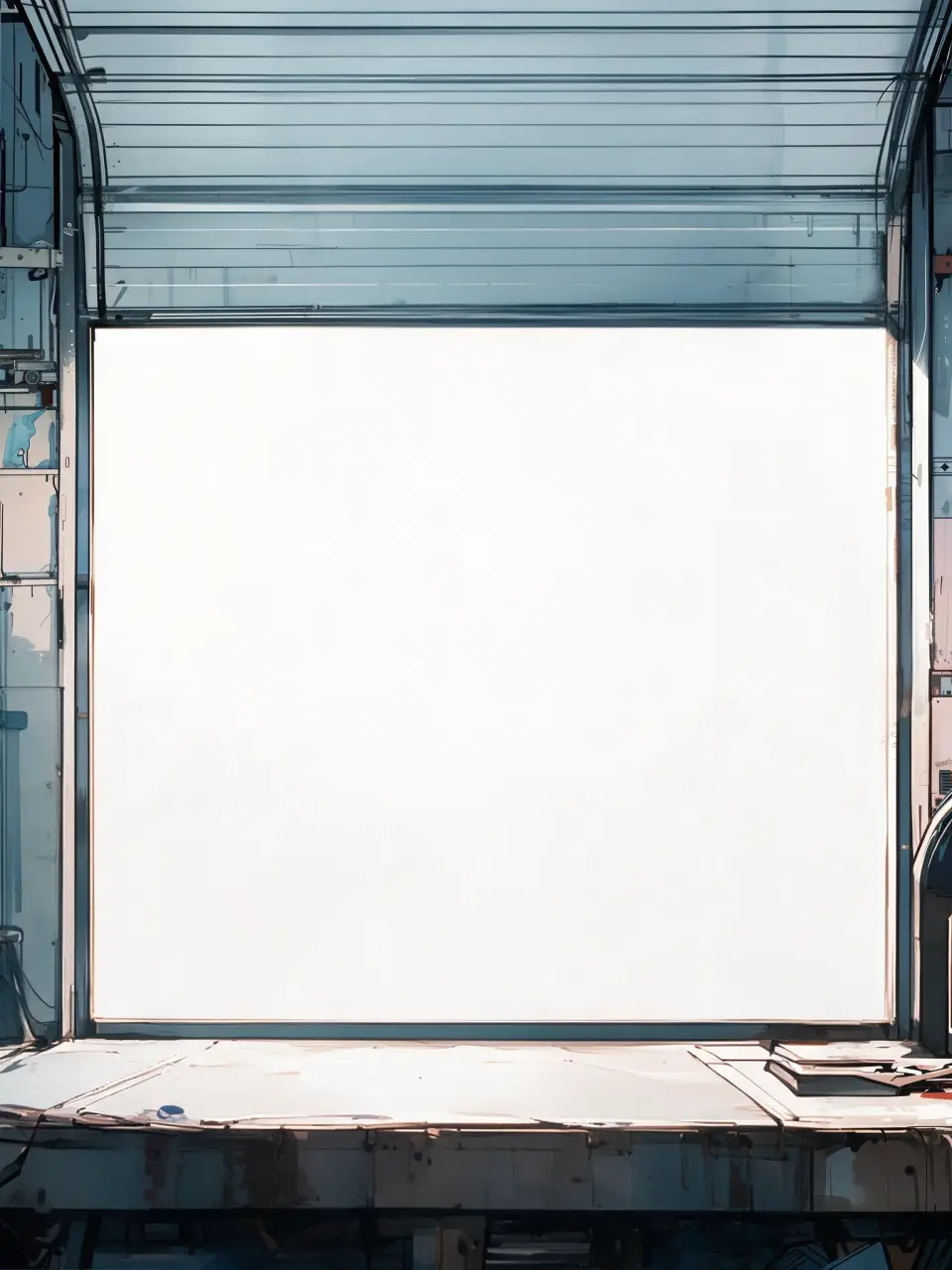
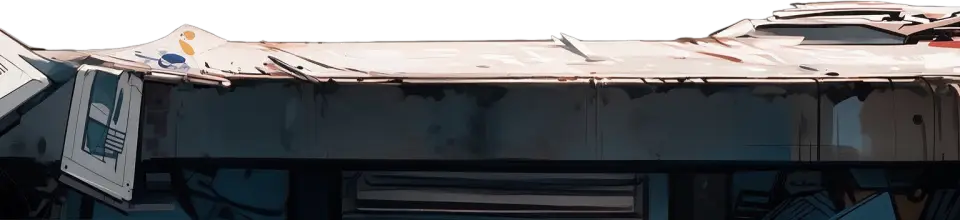
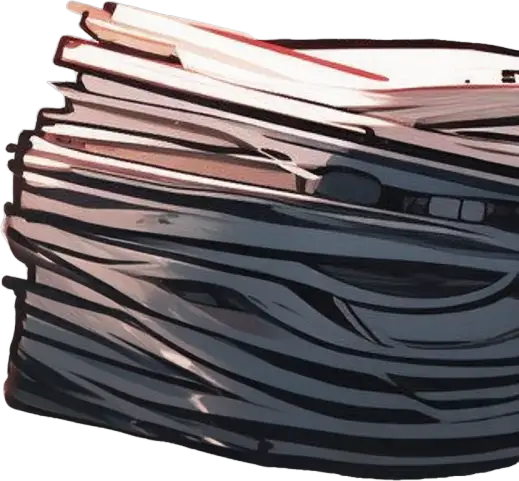
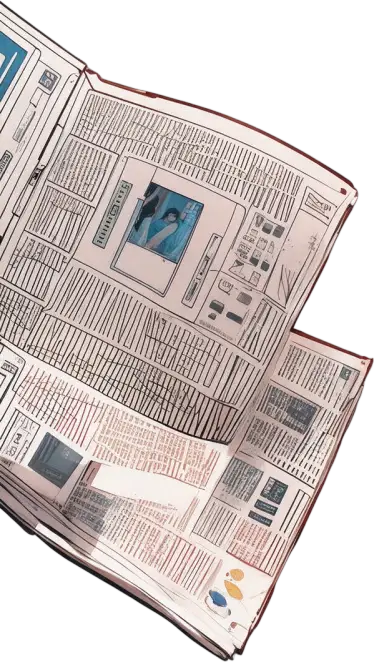

Sample layers you can click, hide, and drag. Your own image is split in the editor.
Parallax layers
Parallax layers are an image split into depth planes, usually foreground, subject, and background, with the area behind each plane filled in, so the layers can move at different speeds for a 2.5D effect.
For motion designers, web developers, and streamers who want a moving header, a 2.5D photo animation, or a parallax game background from a single still.
Last updated
Drop an image to split it into layers
Separate the subject, text, and background, then move or resize any layer.
1
Images with a clear subject and some distance to the background work best.
2
Check that the background plate is filled where the subject was.
3
Import as a layered composition in your motion app.
4
Move the background slowly, the subject a little faster, and the foreground fastest.
The background behind the subject is filled, so layers can slide without revealing a hole.
Import the PSD into After Effects, CapCut, DaVinci Resolve, or a web parallax library.
One 5-credit split gives every depth layer the picture contains.
A simple cut-out leaves a subject-shaped hole in the background. Once the subject moves a few pixels, the hole shows. The split rebuilds that area, which is the difference between a usable parallax and an obvious cut. Keep camera moves modest, because the fill is an estimate, not real captured pixels.
For game backgrounds with several depth planes, see game asset layers.
Animated website heroes, YouTube intros, a VTuber stream background (see VTuber model prep), visual novel scenes (see visual novel sprite layers), and product reveals.
Landscapes split into foreground, middle, and sky only when those planes are visually distinct. Hazy or flat scenes may come back as fewer layers.
Split by Image Layered. Select the person, hide the desk, or drag a layer.
Sample layers you can click, hide, and drag. Your own image is split in the editor.
No. It gives you the layers. Animate them in your video or web tool.
Yes. Import the PSD as a composition with layers, then add a camera or position keyframes.
It is different. A depth map gives continuous depth; layers give separate planes with filled backgrounds, which is what classic parallax uses.
One free 1K preview split per day without an account, watermarked and not exportable. A full 2K split is 5 credits and includes both the PSD and the PNG ZIP, whatever the layer count. Credits come back automatically when a split fails. The 100-credit Starter pack is a one-time payment, not a subscription.
Yes — you can split one image per day at 1K without an account to preview the layers. Full-resolution 2K layers and PSD/PNG ZIP export use 5 credits per split.
A layered Photoshop PSD where every element is its own named, transparent layer at its original position, or a ZIP of transparent PNGs plus a composite.
Posters, product shots, social graphics, characters and AI-generated images with clear subjects. Very busy photos can merge small details into one layer.
Credits are refunded automatically when a split fails or times out.
Uploads are used only to create your layers and are not shown publicly or used for training.
Yes, you can use exported layers from your own images in commercial work.