 Image Layered

Drop an image to split it into layersJPG, PNG or WebP · up to 10 MB · or paste with Ctrl/⌘+V
AI layer decomposition
Upload a flat poster, product photo or AI image. Get the subject, text, objects and a rebuilt background as separate transparent layers — then export a layered PSD.
Separate the subject, text, and background, then move or resize any layer.
How it works
Free preview: 1 split per day at 1K, no sign-up. A full 2K split is 5 credits.
A poster, product shot, or AI picture.
Subject, text, and background come apart.
Move, recolor, or download PSD and PNG.
From 5 credits per splitsee pricing
Fix one element. The other layers stay as they were.
Opens in Photoshop, Figma, Photopea, and Affinity
Pull headline text, logo and subject off a flattened poster.
Lift the product from its background for new scenes.
Convert JPG or PNG into a layered Photoshop file.
Edit one part of a Midjourney or GPT image without re-generating.
Change a title, date, or price layer without the original file.
Click the layers
Sample layers you can click, hide, and drag. Your own image is split in the editor.
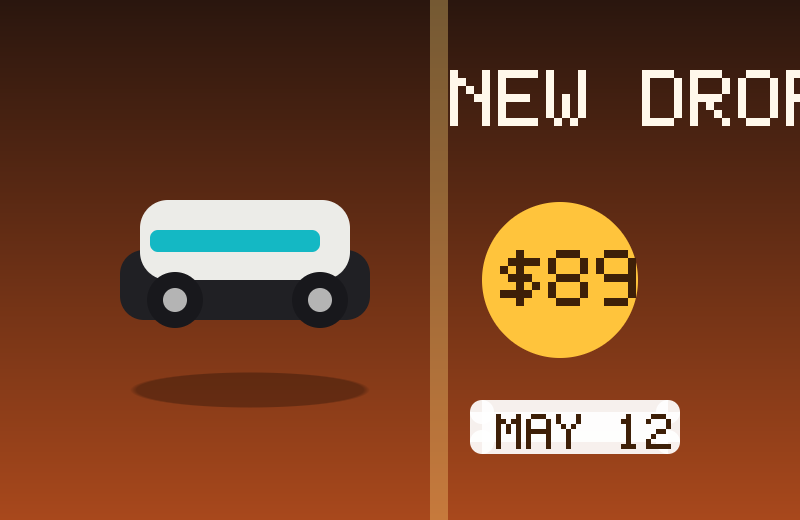
Click the price, headline, or shoe. Hide a layer or drag it.
Try with your image →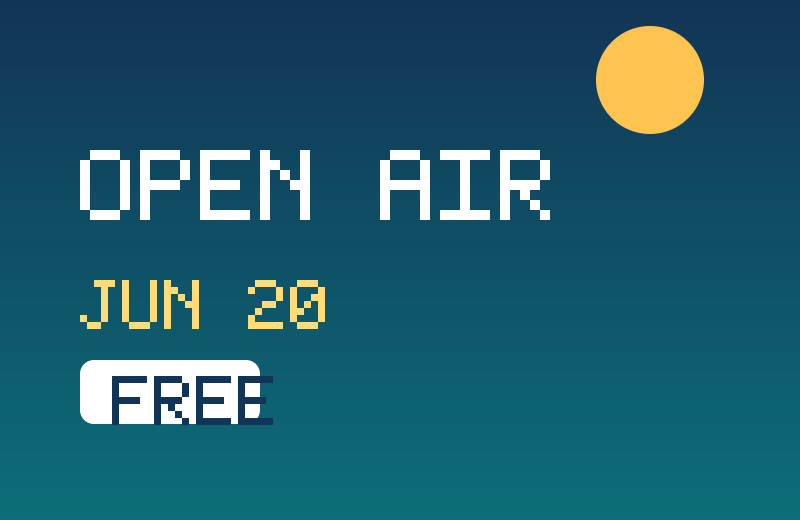
Title, date, and price are separate layers. Hide one or drag it.
Try with your image →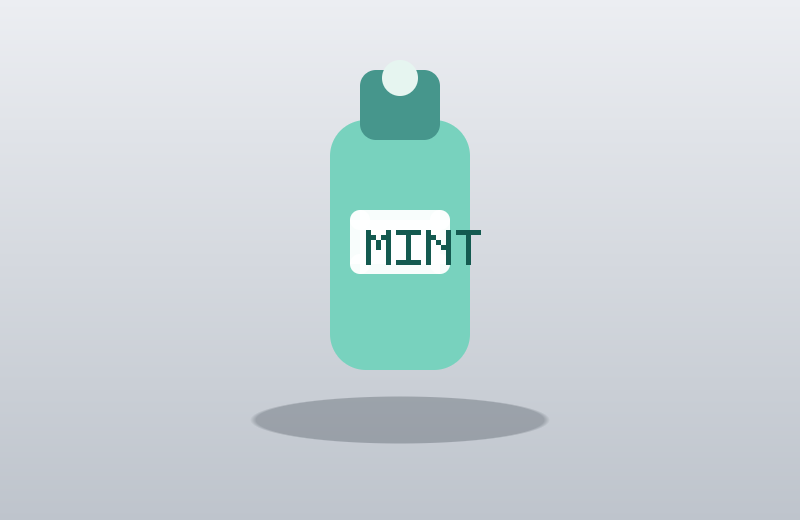
Select the bottle, its label, or the shadow. Download a layer as PNG.
Try with your image →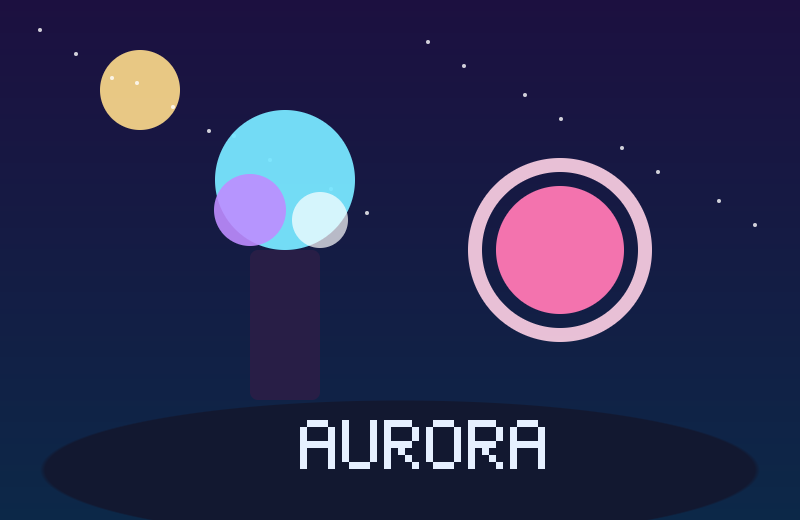
Move the orb, hide the caption, or select the crystal.
Try with your image →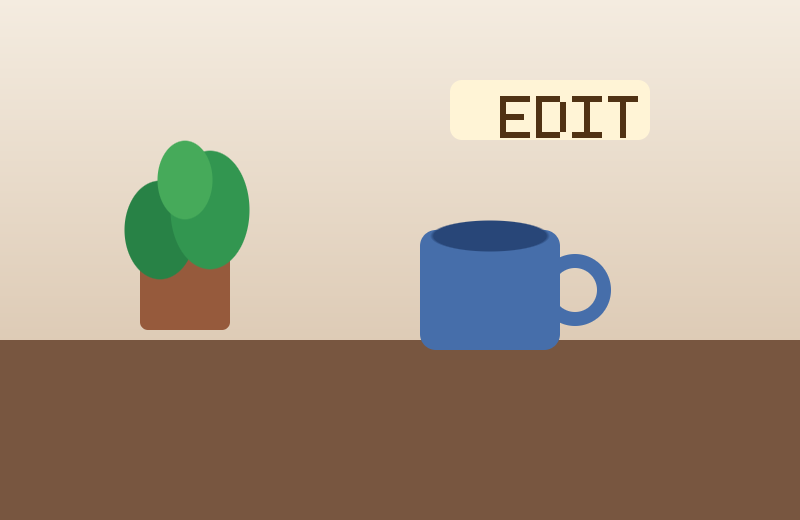
Plant, mug, and sticker sit on their own layers, ready to export.
Try with your image →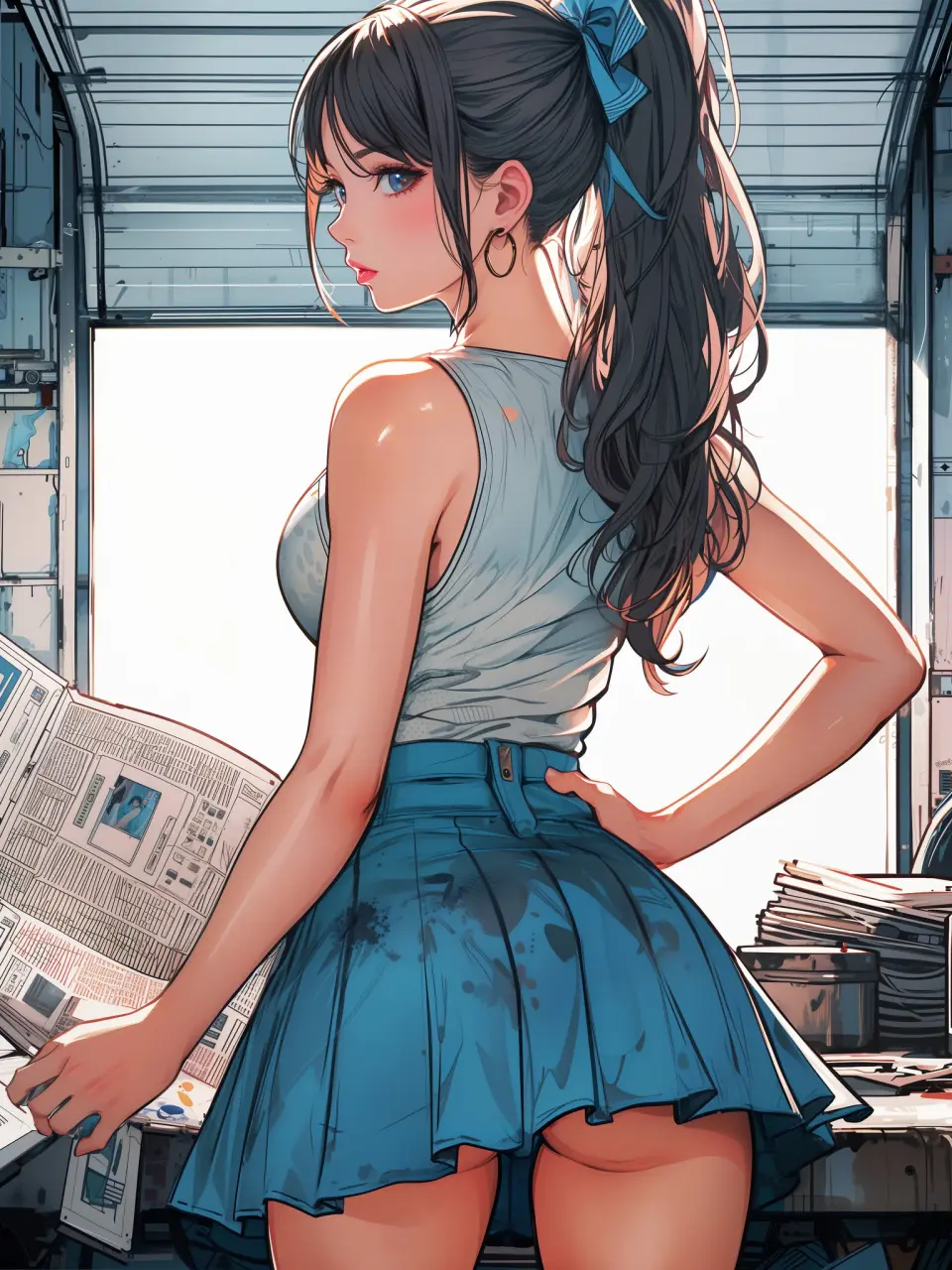
Split by Image Layered. Select the person, hide the desk, or drag a layer.
Try with your image →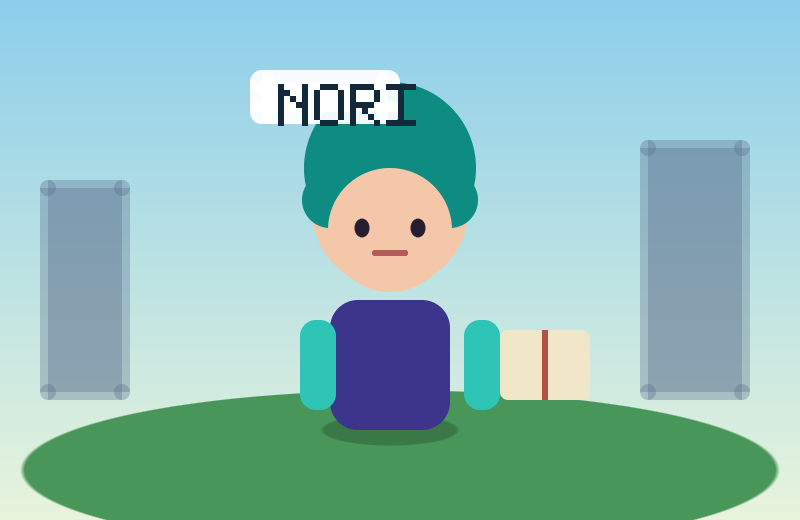
Original character Nori. Drag Nori, hide the name, or move the book.
Try with your image →Yes — you can split one image per day at 1K without an account to preview the layers. Full-resolution 2K layers and PSD/PNG ZIP export use 5 credits per split.
A layered Photoshop PSD where every element is its own named, transparent layer at its original position, or a ZIP of transparent PNGs plus a composite.
Posters, product shots, social graphics, characters and AI-generated images with clear subjects. Very busy photos can merge small details into one layer.
Credits are refunded automatically when a split fails or times out.
Uploads are used only to create your layers and are not shown publicly or used for training.
Yes, you can use exported layers from your own images in commercial work.
Upload a poster, product photo, or AI image. The editor stays at the top of this page.