
Problem
A new generation can change the eyes, jawline, proportions, pose, or art style. For recurring content, that breaks character identity.
Character outfit editing
Character creators often need outfit variations, but full regeneration can make the person look different. Image Layered separates face, hair, clothing, body, and background so clothing edits stay targeted.
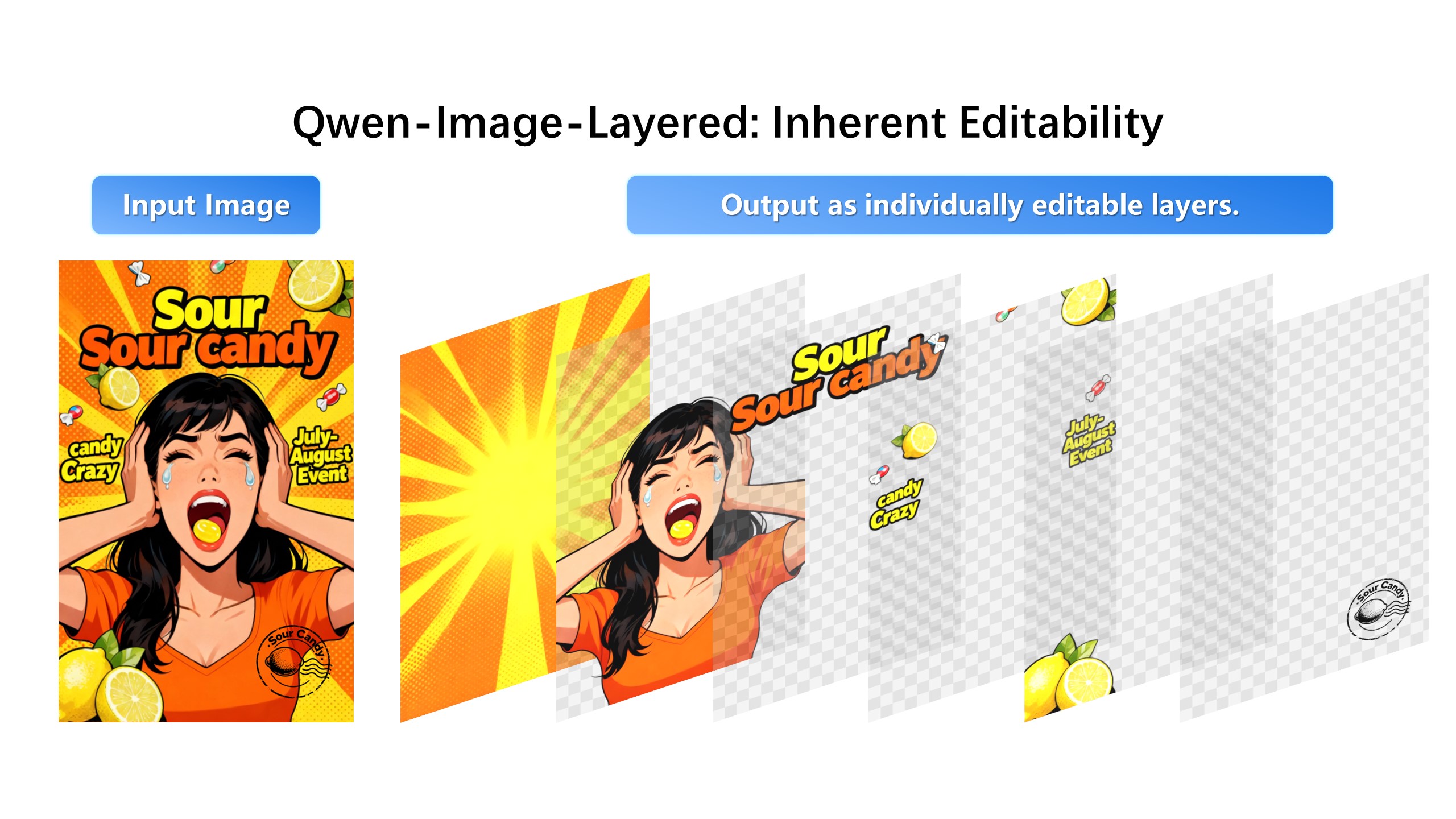
Keep the face and pose identical. Change only the outfit to a red leather jacket.
A new generation can change the eyes, jawline, proportions, pose, or art style. For recurring content, that breaks character identity.
Keep the face and body layers stable, select the clothing layer, and describe the outfit change.
Full-image edits redraw the whole character, so identity rides on the model guessing what to preserve. Isolating outfit, hair, and background into separate layers means the face region never enters the edit pass — the strongest consistency control available short of manual compositing.
Character-driven brands, VTuber merch, game concepts, and storyboards need one character in many outfits. Keep face and pose layers fixed, swap the outfit layer per look, and export each combination. The character sheet stays coherent because identity pixels are never re-synthesized.
Cel-shaded art separates well because its regions are already flat. For loose brushwork or heavy motion blur, decompose at a higher layer count so fragile details land inside layers you will not edit. Lock what must not move before prompting.
1. Upload the character image.
2. Separate face, hair, clothing, body, background, and lighting.
3. Select the clothing layer.
4. Generate the new outfit and recombine the image.
No AI edit can guarantee perfection, but isolating clothing from the face reduces unwanted identity changes.
Yes. Anime, avatar, influencer, and campaign characters are strong use cases.