
Problem
Simple background removers can make a product float, while full AI regeneration may alter proportions, labels, materials, or brand details.
Product photo revision
Product photos need consistency. If the bottle, label, shoe, or package changes during editing, the image becomes unusable. Image Layered helps protect the sellable object while you revise the background, props, lighting, or text.
Replace the background with a clean white studio and soft natural shadow.
Simple background removers can make a product float, while full AI regeneration may alter proportions, labels, materials, or brand details.
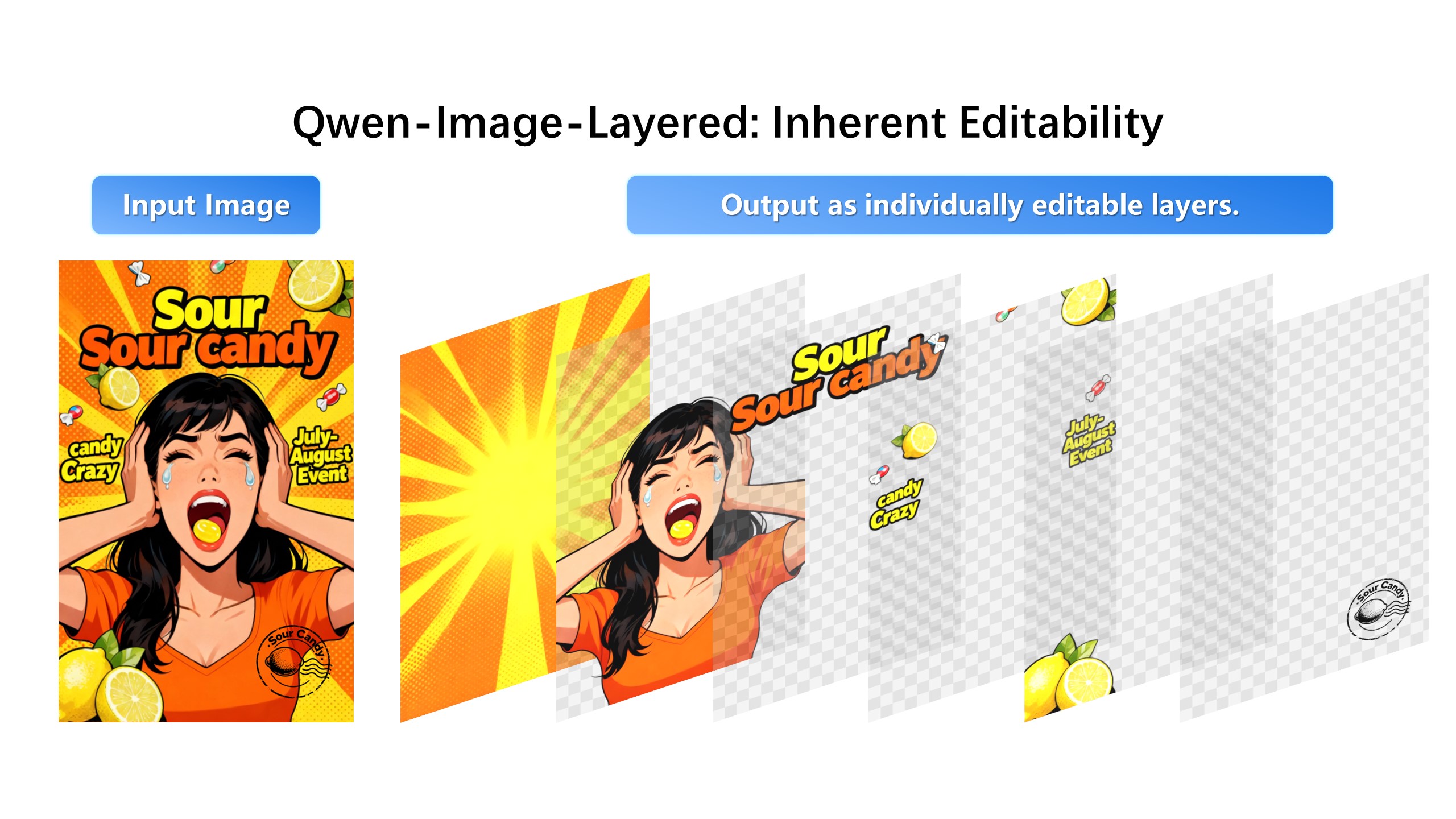
Separate product, background, shadow, props, and copy into layers. Edit the environment while keeping the product layer intact.
Full-image regeneration silently redraws the label, warps proportions, or invents a new reflection. Background removers leave a floating product with no grounding shadow. Manual Photoshop work is precise but does not scale past a handful of SKUs. Layer isolation is the fourth path: the product is one layer, the environment is the others, and edits land only where they are aimed.
Ecommerce images live or die on product accuracy. Keep the product layer locked, then revise around it: swap the background plate for marketplace white, restyle the scene for seasonal campaigns, remove props that distract from the offer. Because the product pixels are never re-synthesized, what shoppers see matches what ships.
Marketplace listings, paid social, and email headers each need a different crop and scene, but the same product. A layered project turns one master photo into a variant system: lock product and shadow, iterate background and copy per channel, and export each composite as production PNG.
1. Upload the product image.
2. Create 4 to 7 layers for product, shadow, label, props, and background.
3. Select the background or prop layer.
4. Generate a clean commerce-ready result.
The safest workflow is to keep the product as its own layer and edit only the environment layers around it.
Yes. It is designed for repeatable product revisions: background swaps, shadow cleanup, text changes, and campaign variations.