
Problem
Full regeneration can subtly change the face, eyes, hairstyle, body, and art direction. Those small differences add up across a series.
Consistent character editing
A consistent character is valuable only if it keeps looking like the same person. Image Layered helps separate protected identity elements from editable scene elements.
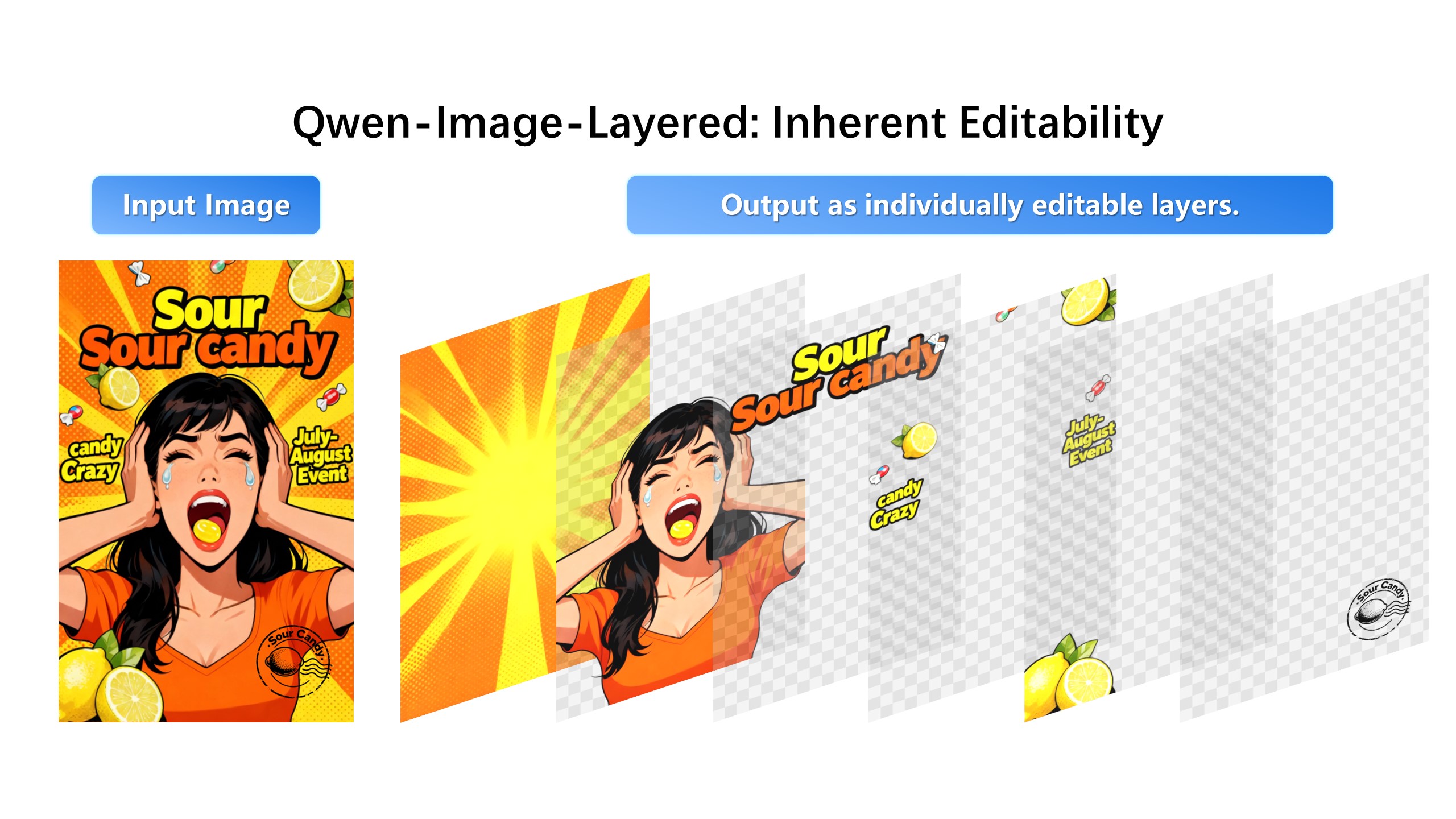
Keep the face identical and change only the background to rainy Tokyo at night.
Full regeneration can subtly change the face, eyes, hairstyle, body, and art direction. Those small differences add up across a series.
Separate face, hair, clothing, body, background, props, and lighting. Then edit the allowed layer while using the original face as a reference anchor.
Character consistency breaks when the face re-enters the diffusion pass. Decomposition makes the face its own protected region: edit wardrobe, pose context, or scene, and the identity layer never receives a new sample. It is the closest thing to a contract with the model.
Age a character slightly, adjust an expression, change hair length, swap seasonal clothing, place the same character into a new environment — each is a targeted edit against one layer while the rest of the character sheet stays locked. Series work depends on exactly this discipline.
Toggle the edited layer against the original, check silhouette and landmarks at full zoom, then export. If anything outside the target moved, the edit scope was wrong — rerun it against a narrower layer rather than accepting the drift.
1. Upload the base character image.
2. Generate layers for face, hair, clothing, body, background, props, and lighting.
3. Keep identity layers visible and edit only the target layer.
4. Export a new version that still reads as the same character.
For small revisions, starting from the existing image and editing layers is usually more controlled than generating a new image.
Yes. The intended workflow is to keep identity layers separate and avoid editing them unless necessary.